Ir para conteúdo
View in the app

A better way to browse. Learn more.

EletrônicaBR.com

A full-screen app on your home screen with push notifications, badges and more.

To install this app on iOS and iPadOS
  1. Tap the Share icon in Safari
  2. Scroll the menu and tap Add to Home Screen.
  3. Tap Add in the top-right corner.
To install this app on Android
  1. Tap the 3-dot menu (⋮) in the top-right corner of the browser.
  2. Tap Add to Home screen or Install app.
  3. Confirm by tapping Install.

d_kmk2003

Membros
  • Registrado em

  • Última visita

  • Créditos EBR

    1
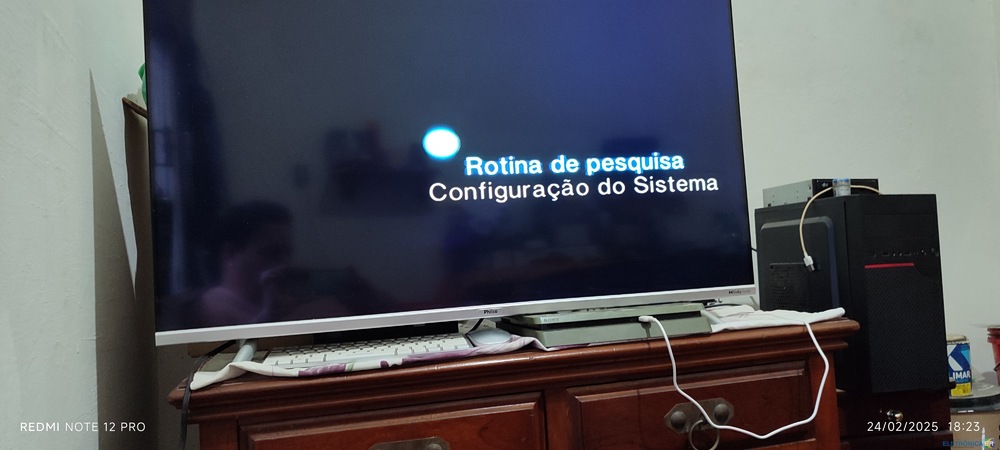
  1. Preciso de ajuda de como resolver esse problema. Na primeira porta o primeiro e último pinos estão com a corrente bem abaixo como vai ser mostrado nas imagens, enquanto na porta 2 estão normais e a mesma funciona. Nós demais pinos a voltagem corresponde ao previsto,por isso não enviei. Como pode ser visto na última imagem ele liga normalmente.
  2. Tenta ver em ferro velho,muitas vezes vc acha por 10 reais e se der sorte, ainda funcionando

Account

Navigation

Pesquisar

Pesquisar

Configure browser push notifications

Chrome (Android)
  1. Tap the lock icon next to the address bar.
  2. Tap Permissions → Notifications.
  3. Adjust your preference.
Chrome (Desktop)
  1. Click the padlock icon in the address bar.
  2. Select Site settings.
  3. Find Notifications and adjust your preference.