Ir para conteúdo
View in the app

A better way to browse. Learn more.

EletrônicaBR.com

A full-screen app on your home screen with push notifications, badges and more.

To install this app on iOS and iPadOS
  1. Tap the Share icon in Safari
  2. Scroll the menu and tap Add to Home Screen.
  3. Tap Add in the top-right corner.
To install this app on Android
  1. Tap the 3-dot menu (⋮) in the top-right corner of the browser.
  2. Tap Add to Home screen or Install app.
  3. Confirm by tapping Install.

Valente Cell

Membros
  • Registrado em

  • Última visita

  • Créditos EBR

    0
  1. Olá pessoal boa tarde alguém tem o esquemático do Notebook Acer N22C6 ou Acer A515 57. Que possa está me ajudando desde já muitíssimo obrigado.
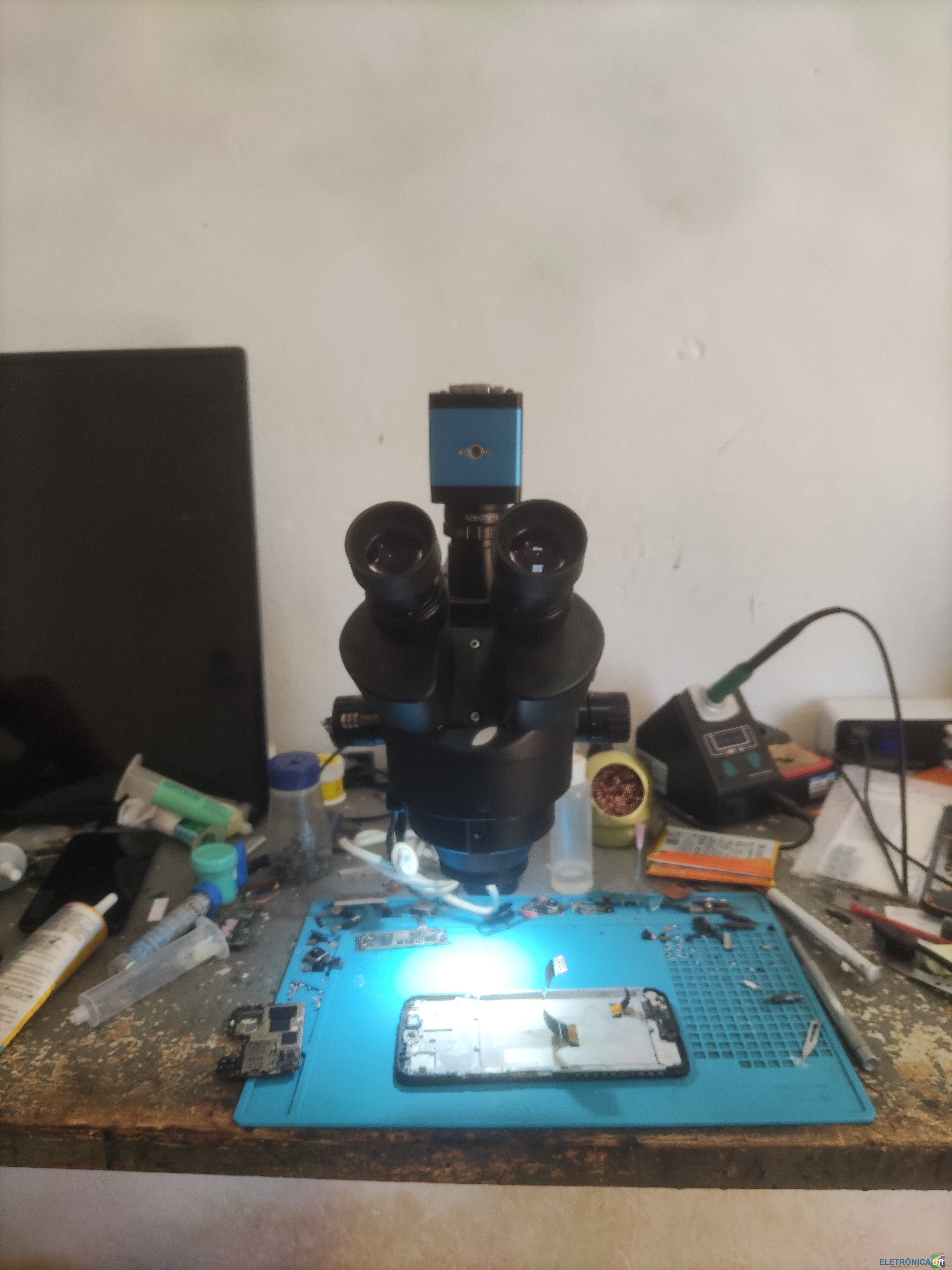
  2. Olá pessoal meu nome e Pablo Rogério, Sou técnico em smartphone, sou da área de micro soldagem e tudo voltado a eletrônico sou apaixonado. Tudo que pesquiso na Net aparece o fórum eletrônica BR, hoje decidir fazer parte dessa família, e gostaria muito do apoio de vocês assim também apoiar quem precisar.

Account

Navigation

Pesquisar

Pesquisar

Configure browser push notifications

Chrome (Android)
  1. Tap the lock icon next to the address bar.
  2. Tap Permissions → Notifications.
  3. Adjust your preference.
Chrome (Desktop)
  1. Click the padlock icon in the address bar.
  2. Select Site settings.
  3. Find Notifications and adjust your preference.