Ir para conteúdo
View in the app

A better way to browse. Learn more.

EletrônicaBR.com

A full-screen app on your home screen with push notifications, badges and more.

To install this app on iOS and iPadOS
  1. Tap the Share icon in Safari
  2. Scroll the menu and tap Add to Home Screen.
  3. Tap Add in the top-right corner.
To install this app on Android
  1. Tap the 3-dot menu (⋮) in the top-right corner of the browser.
  2. Tap Add to Home screen or Install app.
  3. Confirm by tapping Install.

jon14142

Membros
  • Registrado em

  • Última visita

  • Créditos EBR

    0
  1. Boa noite mano, já limpou as memórias?, parece uma pergunta meio óbvia, mas vale atentar para isso também, verificar se alguma sujeira oxidação. Espero ter ajudado.
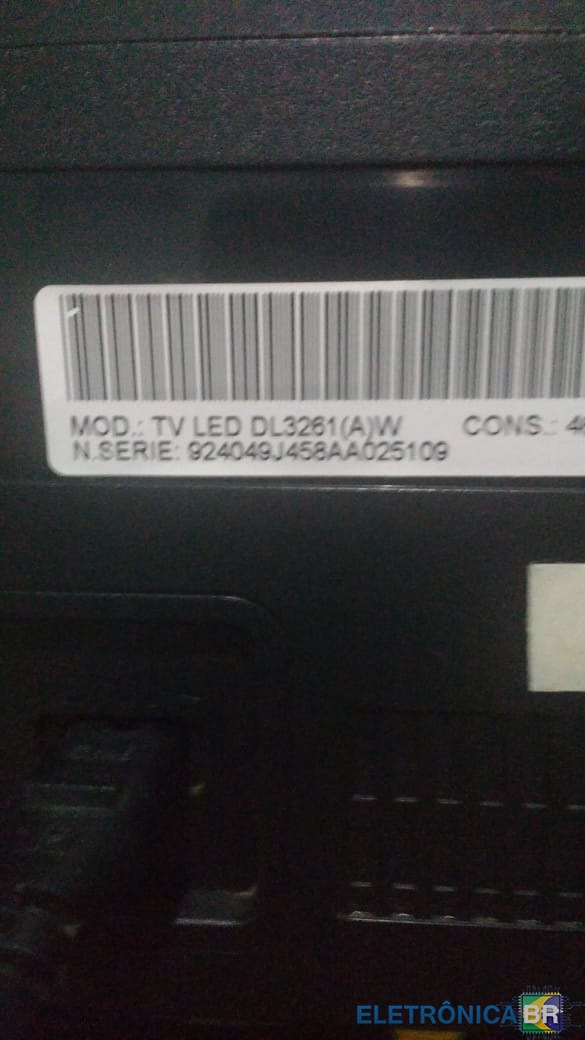
  2. Boa noite pessoal, estou com um problema tenho uma TV LED Dl3261 Serie 924049, preciso atualizar a sua versão do SW, porém estou com dificuldade para encontrar um site confiável, se alguém puder me enviar o arquivo correto, desde já agradeço a todos os irmãos. P.S: Tomem o necessário cuidado nesse período de quarentena, muito Álcool gel e oração e que Deus abençoe a todos.😊
  3. Olá! Conheci esse fórum através das pesquisas no Google. Tenho conhecimento Básico em Manutenção de Computadores, porém atualmente trabalho como aux.de logística. Entrei no fórum para trocar informações e contribuir no que for possível de minha parte.

Account

Navigation

Pesquisar

Pesquisar

Configure browser push notifications

Chrome (Android)
  1. Tap the lock icon next to the address bar.
  2. Tap Permissions → Notifications.
  3. Adjust your preference.
Chrome (Desktop)
  1. Click the padlock icon in the address bar.
  2. Select Site settings.
  3. Find Notifications and adjust your preference.