Ir para conteúdo
View in the app

A better way to browse. Learn more.

EletrônicaBR.com

A full-screen app on your home screen with push notifications, badges and more.

To install this app on iOS and iPadOS
  1. Tap the Share icon in Safari
  2. Scroll the menu and tap Add to Home Screen.
  3. Tap Add in the top-right corner.
To install this app on Android
  1. Tap the 3-dot menu (⋮) in the top-right corner of the browser.
  2. Tap Add to Home screen or Install app.
  3. Confirm by tapping Install.

GM VILELA

Membros
  • Registrado em

  • Última visita

  • Créditos EBR

    21
  1. GM VILELA alterou sua foto pessoal
  2. Obrigado, pelo arquivo sobre os pontos de ligação, tem resposta?
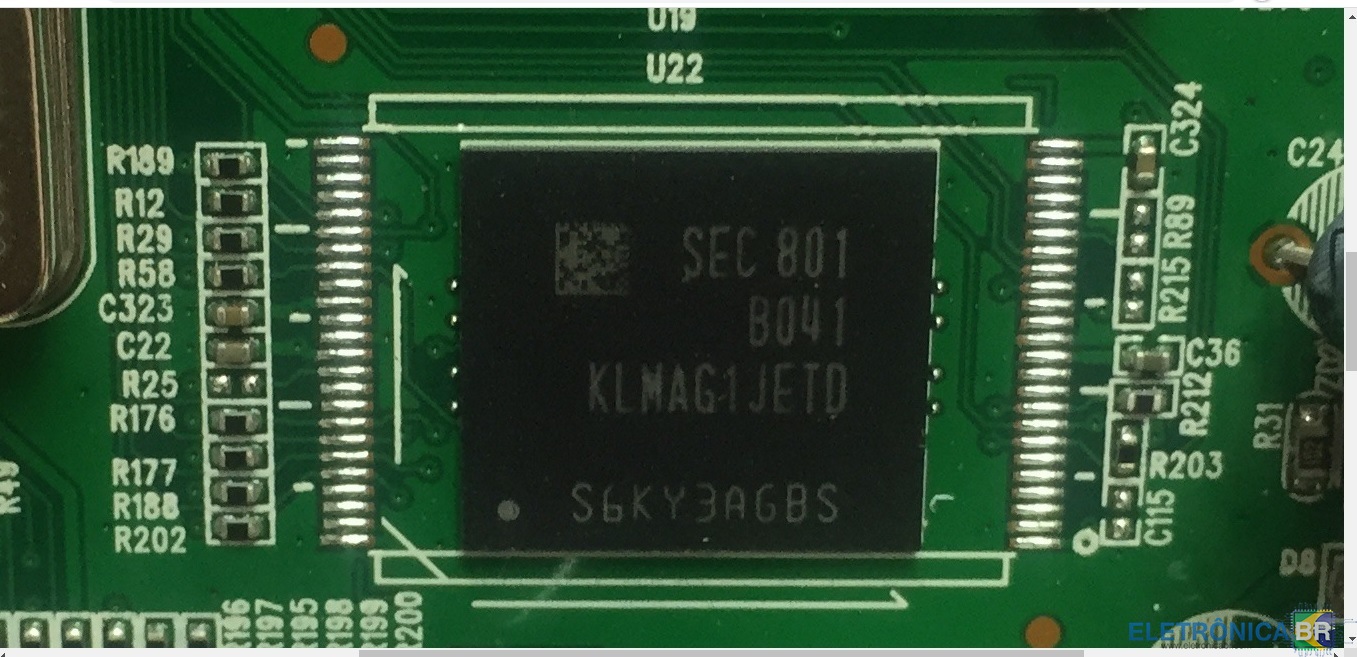
  3. Pessoal, o duosat next ultra hd lite, liga a luz azul, fica no logo e não dá boot, todas as tensões estão ok, imagino que seja problema na NAND flash, preciso do arquivo e dos pontos de ligação. Por favor.
  4. GM VILELA começou a seguir: dados Nand EMMC ISP
  5. Conseguiu os pontos de ligação, também estou precisando. Abraços

Account

Navigation

Pesquisar

Pesquisar

Configure browser push notifications

Chrome (Android)
  1. Tap the lock icon next to the address bar.
  2. Tap Permissions → Notifications.
  3. Adjust your preference.
Chrome (Desktop)
  1. Click the padlock icon in the address bar.
  2. Select Site settings.
  3. Find Notifications and adjust your preference.