Adilson Dalla Santa
Membros
-
Registrado em
-
Última visita
-
Créditos EBR
0
-
@joao lima RV a entrada do u5 quando aperta pra ligar chega a 2.3 volts
-
@joao lima RV no caso é 24 no d1 que está aparecendo Na saída de u5 está indo pra 0.4 volts
-
@joao lima RV troquei os 2 cls de dri e os 8 Mosfet e não funcionou nem deu sinal
-
Ok,vou trocar também
-
A placa tem 8 iguais mas estourou 4 mas vou trocar os 8 só tô esperando chegar
-
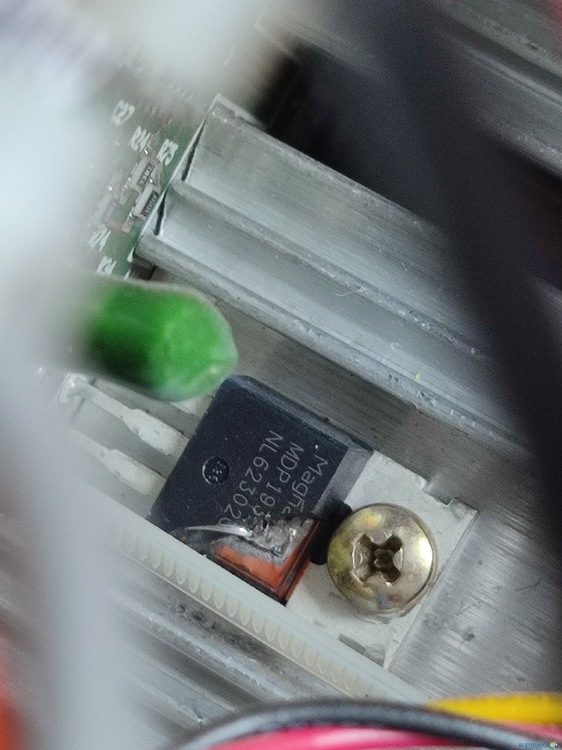
Depois de uma falha numa bateria a placa do nobreak apresentou defeito, estou 4 Mosfet mdp1932. Posso só trocar este Mosfet e testar o nobreak? alguém poderia disponibilizar o esquema da placa 141?
-
Conheci no Google Sou eletrotécnico Trabalho na área de manutenção da distribuição de energia a nove anos