.png.ab2b248506c19689fd19154c57d5d839.png)
aNDRERGRFDG
Membros
-
Registrado em
-
Última visita
-
Créditos EBR
10
-
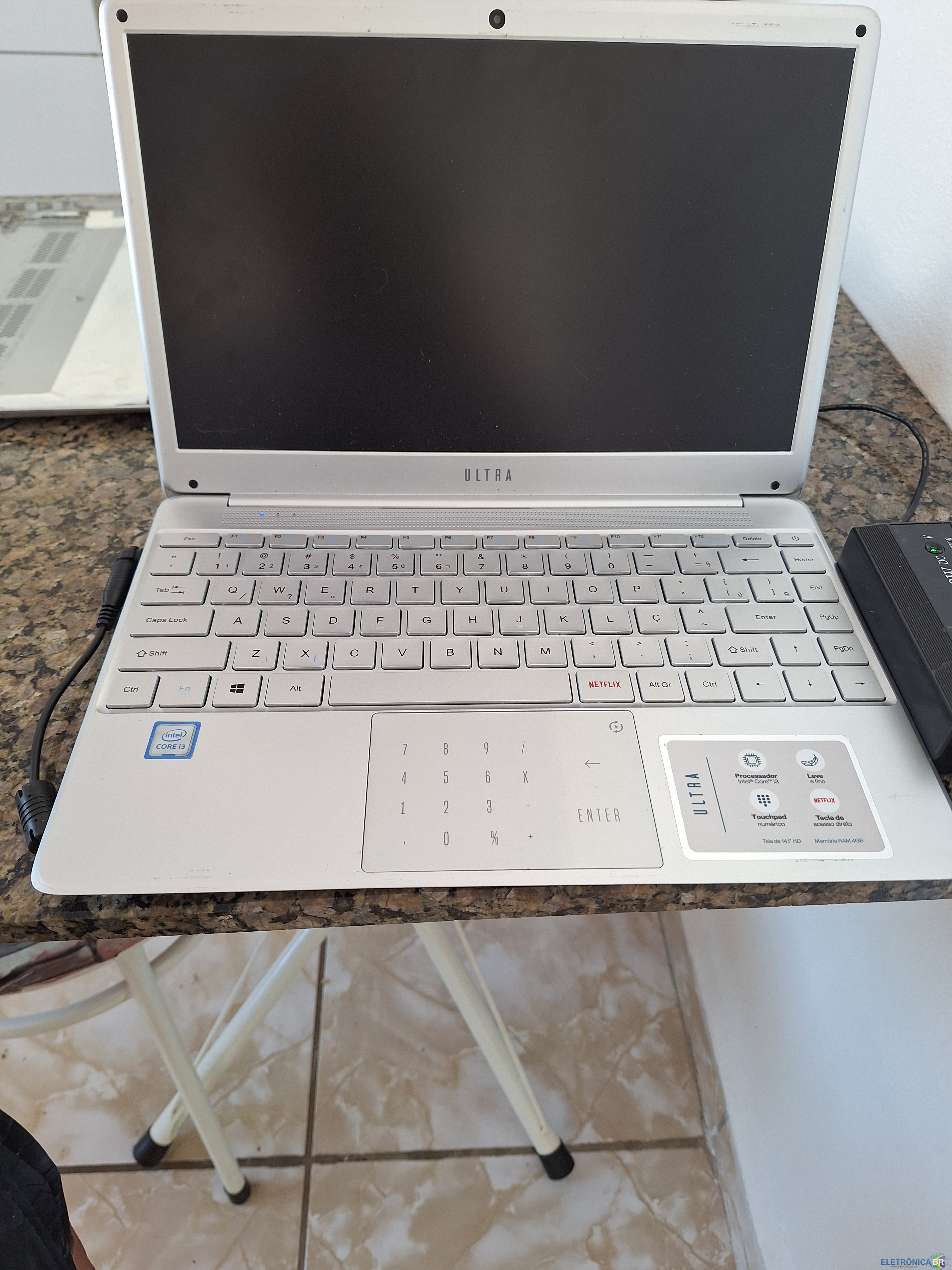
Tenho um notebook Multilaser Ultra UB430 cuja placa-mãe IN-SNK81B_VD2 está com defeito. Ele liga, mas não dá vídeo. Fiz todos os testes possíveis e acredito que seja a BIOS rompida. depois de mexer na BIOS, ele parou de dar video. Não é a CMOS nao a reset da pilha para fazer isso. Vi um arquivo de BIOS aqui com a mesma placa e notebook. Alguém poderia me ajudar com os creditos? para download?
-
aNDRERGRFDG alterou sua foto pessoal
-
Preciso de um arquivo e não tenho créditos! O arquivo seria esse para mim poder baixar seria a BIOS desse notebook Placa mãe IN-SNK81B_VD2 Alguém pode me ajudar a baixar
-
conheci o site pelo google nivel tecnico amador sou t'ecnico de informatica trabalho concertando computador
.thumb.png.e5b1d8eb8fe88b0bf08ed6313c944a7c.png)