Ir para conteúdo
View in the app

A better way to browse. Learn more.

EletrônicaBR.com

A full-screen app on your home screen with push notifications, badges and more.

To install this app on iOS and iPadOS
  1. Tap the Share icon in Safari
  2. Scroll the menu and tap Add to Home Screen.
  3. Tap Add in the top-right corner.
To install this app on Android
  1. Tap the 3-dot menu (⋮) in the top-right corner of the browser.
  2. Tap Add to Home screen or Install app.
  3. Confirm by tapping Install.

lci informatica

Membros
  • Registrado em

  • Última visita

  • Créditos EBR

    11
  1. ESTOU COM O MESMO PROBLEMA, POREM NAO CONSIGO FAZER O DOWNLOAD DO ARQUIVO... CONSEGUE ME ENVIAR ?
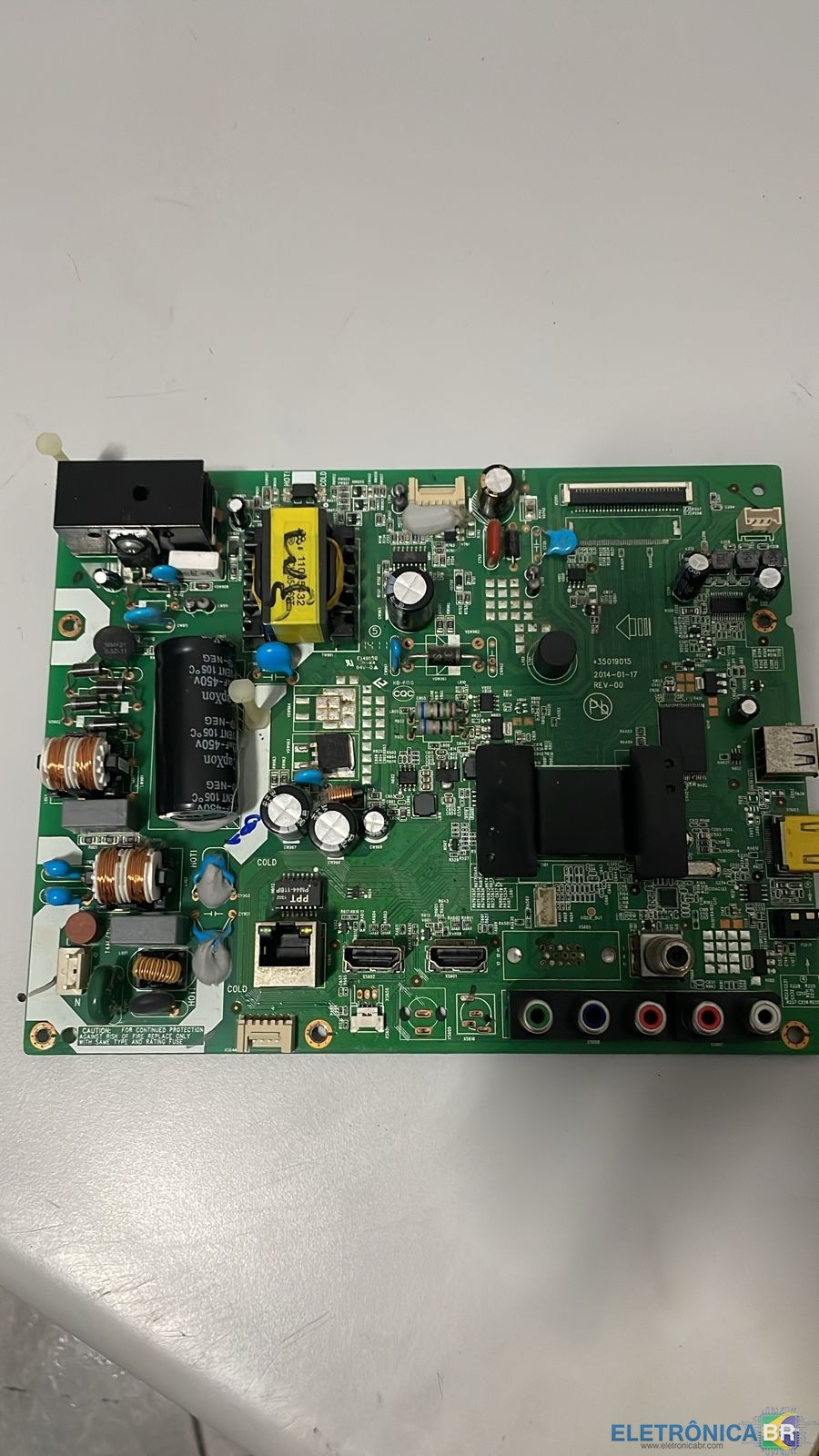
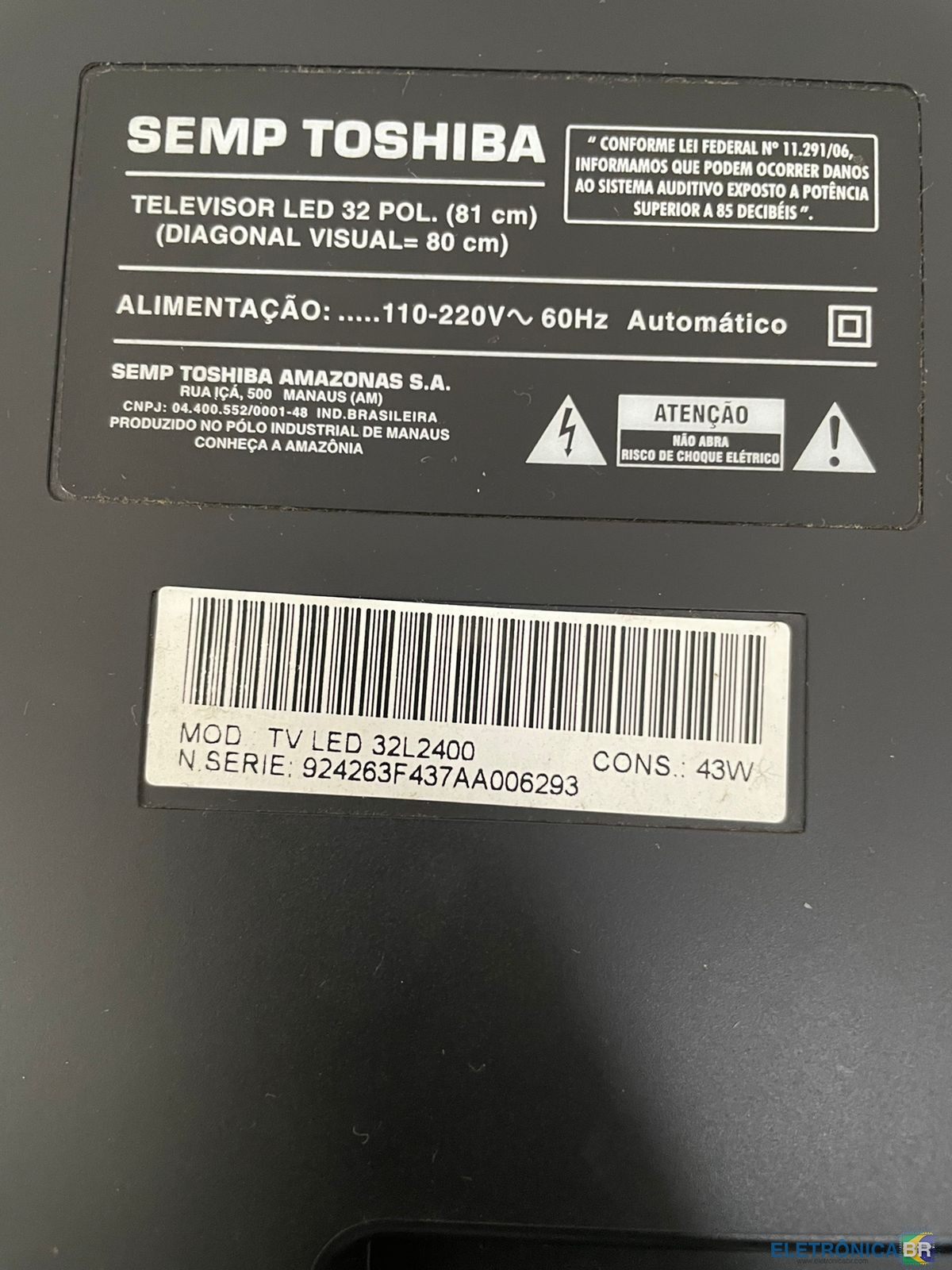
  2. Boa tarde, estou com uma tv TOSHIBA com a tela invertida e cores estranhas, depois de ter feito a troca da placa pincipal dela aconteceu isso, modelo dela é 32L4200 NS 924263F437AA006293, A placa que foi colocada tem esse seguinte codigo, 590634-044724 PR32L2400. alguem consegue me ajudar ?
  3. Boa tarde meus amigos, meu nome é luis miguel e conheci o forum pelo google, sou tecnico em informatica e eletronica, estou aqui para compartilhar meu conhecimento e aprender com todos voces.

Account

Navigation

Pesquisar

Pesquisar

Configure browser push notifications

Chrome (Android)
  1. Tap the lock icon next to the address bar.
  2. Tap Permissions → Notifications.
  3. Adjust your preference.
Chrome (Desktop)
  1. Click the padlock icon in the address bar.
  2. Select Site settings.
  3. Find Notifications and adjust your preference.