Ir para conteúdo
View in the app

A better way to browse. Learn more.

EletrônicaBR.com

A full-screen app on your home screen with push notifications, badges and more.

To install this app on iOS and iPadOS
  1. Tap the Share icon in Safari
  2. Scroll the menu and tap Add to Home Screen.
  3. Tap Add in the top-right corner.
To install this app on Android
  1. Tap the 3-dot menu (⋮) in the top-right corner of the browser.
  2. Tap Add to Home screen or Install app.
  3. Confirm by tapping Install.

Jefferson Menezes

Membros
  • Registrado em

  • Última visita

  • Créditos EBR

    0
  1. Ola boa tarde amigo, você fez alguns testes na placa pra saber se esta tento passagem de corrente.
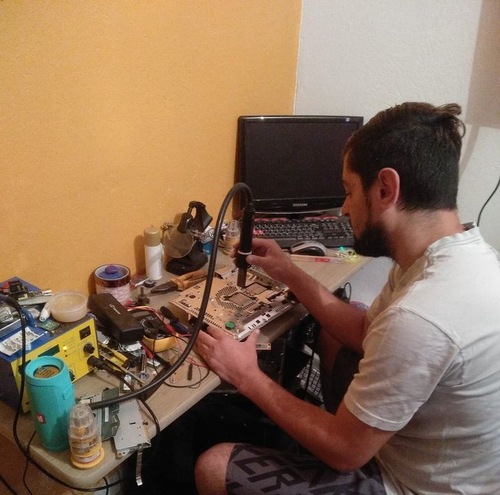
  2. Olá pessoal boa noite estou com essa TV Samsung plasma modelo PL43e490b, apresentando o seguinte defeito LED botão Power pisca algumas vezes a TV não dá imagem analisando a placa YSUS e a placa ZSUS estão funcionando normal após reparo mas ao ligar a TV a corrente va evs carrega e fica descarregando alguém tem alguma dica sobre o reparo a fonte em análise está ok mas não está enviando corrente ps-on e vs-on para a placa zsus
Account

Navigation

Pesquisar

Pesquisar

Configure browser push notifications

Chrome (Android)
  1. Tap the lock icon next to the address bar.
  2. Tap Permissions → Notifications.
  3. Adjust your preference.
Chrome (Desktop)
  1. Click the padlock icon in the address bar.
  2. Select Site settings.
  3. Find Notifications and adjust your preference.