filipemisa
Membros
-
Registrado em
-
Última visita
-
Créditos EBR
1
-
obrigadaobrigada a todos, problema resolvido. tirei a bin aqui no forum reprogramei a flash e ficou ok. cumprimentos a todoseu tenho programadores de eproom o mini pro e o biproog da elnec, se me enviarem o dump do bin eu resolvo logo isto tenho feito variosfotos

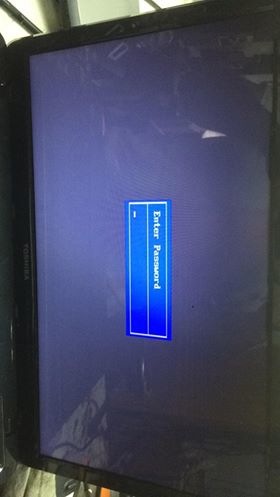
 o meu nao é igual a mainboard é diferentelogo que ligo pede a senhapode me ajudar amigo walterugatem password de entrada na biosobrigadaassunto Marca: toshiba Modelo: l755-1j1 PCB DABLDMB28A0 Rev A DEFEITO: quando liga pede senha para acessar bios, já reprogramei a w25q32 mas nao é o bomasus_k53sv_rev3 Acessar página de download testado Uploader filipemisa Enviado 26-09-2018 Categoria Asusmuito obrigada