Gustavo da Silva Borba
Membros
-
Registrado em
-
Última visita
-
Créditos EBR
0
-
Gustavo da Silva Borba respondeu o tópico de Gustavo da Silva Borba em Identificação e Equivalência de ComponentesFiz o teste não deu certo acho q não e essa sequência, e esse modelo dele

-
Gustavo da Silva Borba respondeu o tópico de Gustavo da Silva Borba em Identificação e Equivalência de ComponentesAjudou demais muito obrigado
-
Gustavo de trindade go Conhece o fórum através do Google Tenho curso técnico em mecatrónica Tenho habilidades em eletricidade industrial pretendo aprender mais sobre eletrónica Tenho 27 anos
-
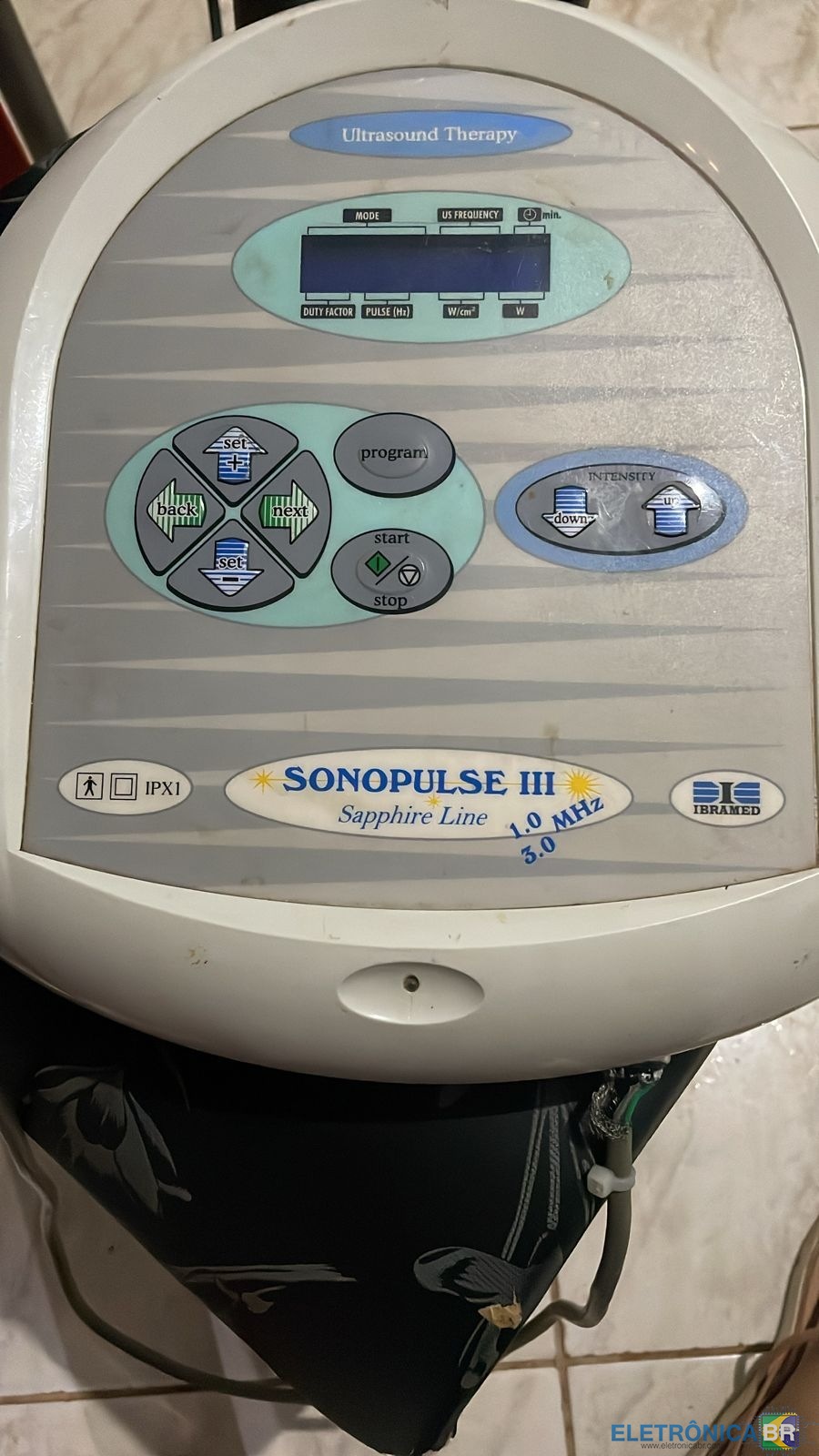
O aparelho foi mandado pra uma assistência técnica porém o técnico baguncou a sequencia dos cabos na picagem do cabo db9, preciso da sequência de cores e pinos ?
-
Gustavo da Silva Borba alterou sua foto pessoal
-
Gustavo da Silva Borba se registrou na comunidade
-
@eletmoraes vc tem a sequencia das cores e cabos nos pinos do db9?