Ir para conteúdo
View in the app

A better way to browse. Learn more.

EletrônicaBR.com

A full-screen app on your home screen with push notifications, badges and more.

To install this app on iOS and iPadOS
  1. Tap the Share icon in Safari
  2. Scroll the menu and tap Add to Home Screen.
  3. Tap Add in the top-right corner.
To install this app on Android
  1. Tap the 3-dot menu (⋮) in the top-right corner of the browser.
  2. Tap Add to Home screen or Install app.
  3. Confirm by tapping Install.

trocador

Membros
  • Registrado em

  • Última visita

  • Créditos EBR

    0
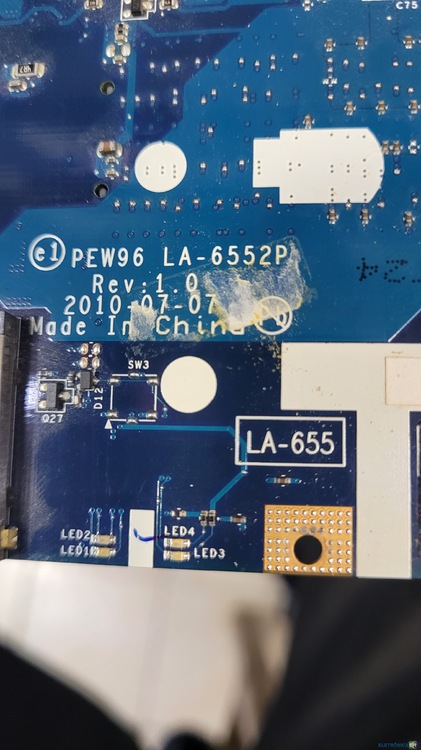
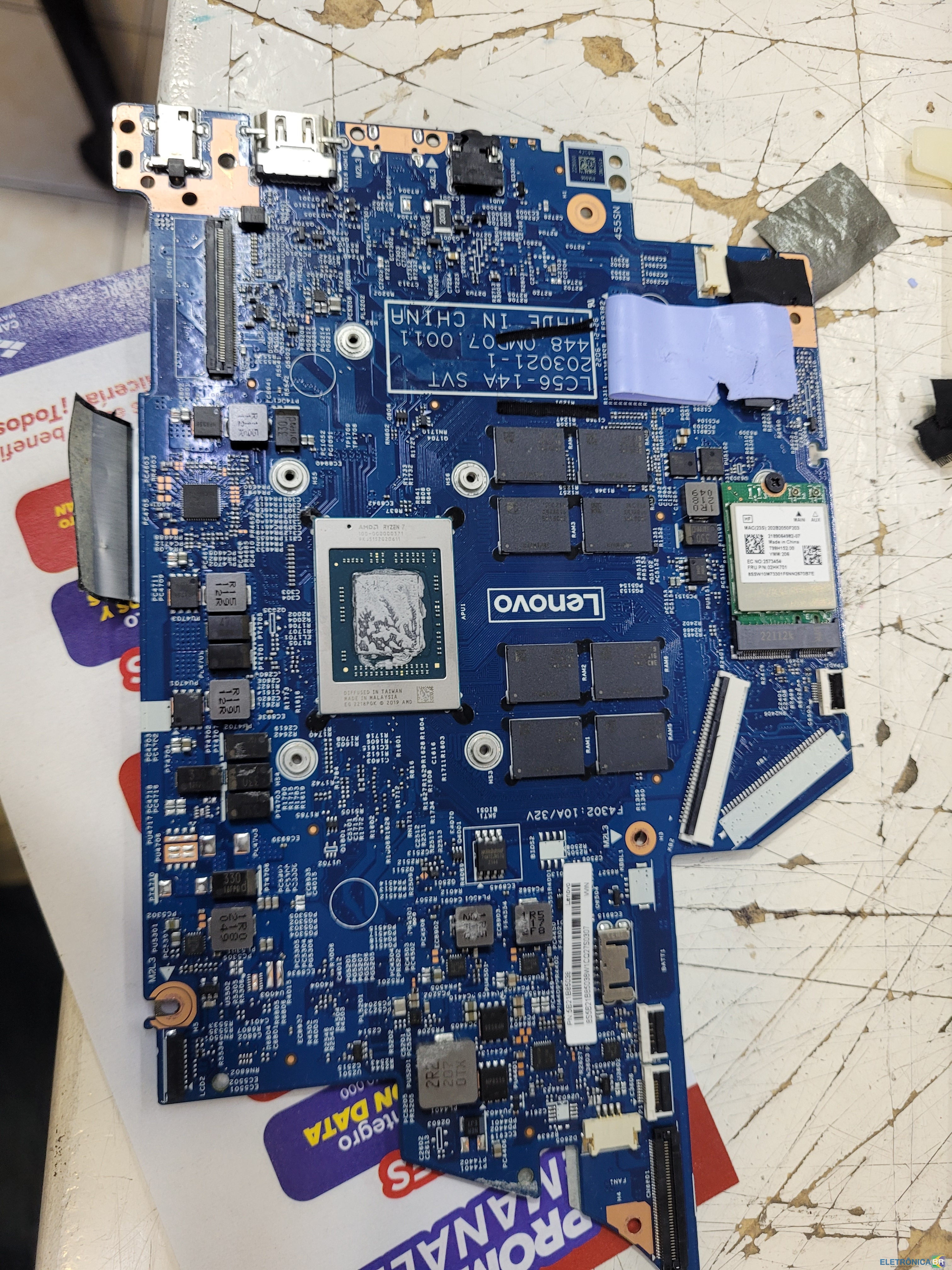
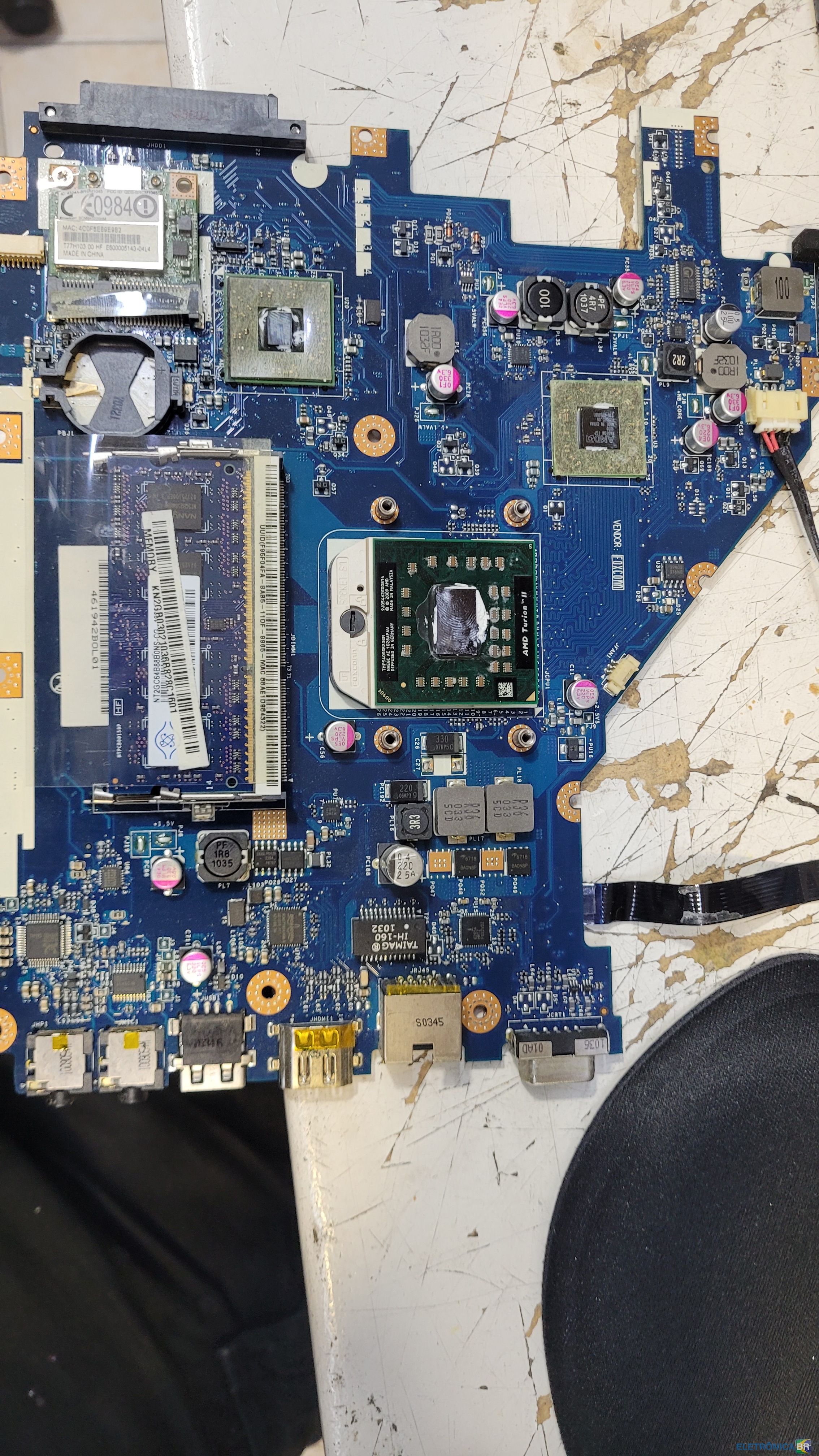
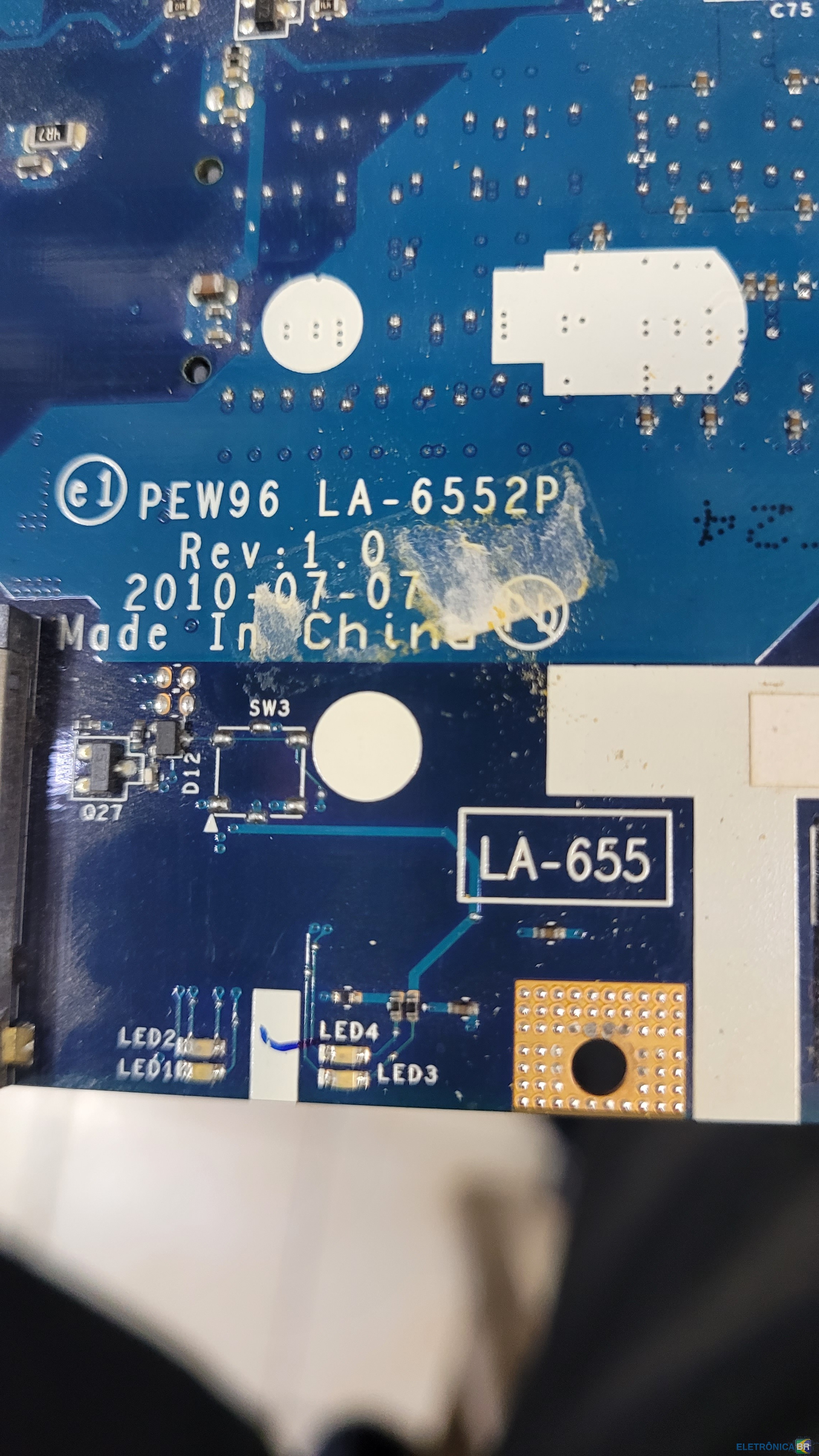
  1. Olá colegas, preciso de um esquema e um boardview deste notebook.
  2. Muito obrigado, se você me ajudar com 👍 para que eu possa baixárlo
  3. Olá amigo, aconteceu comigo que outro componente da mesma linha apresentou defeito e causou superaquecimento, e só descobri depois de trocá-lo.
  4. Olá amigos, preciso de ajuda com o schematic e o boardview deste notebook, se alguém puder disponibilizar, agradeço.
  5. boa mano, você acredita que funcionou? Eu realmente não achei que fosse possível, mas funcionou. Eu realmente não entendo, mas tudo bem.
  6. O consumo geral parece estar bom. Como posso confirmar o consumo de vídeo?
  7. Boa tarde, colegas. Tenho um notebook que liga, mas não exibe vídeo em nenhuma saída. Já medi o consumo e a voltagem e parecem estar corretos. Preciso de ajuda para determinar se é o BIOS ou algum outro componente.

Account

Navigation

Pesquisar

Pesquisar

Configure browser push notifications

Chrome (Android)
  1. Tap the lock icon next to the address bar.
  2. Tap Permissions → Notifications.
  3. Adjust your preference.
Chrome (Desktop)
  1. Click the padlock icon in the address bar.
  2. Select Site settings.
  3. Find Notifications and adjust your preference.