Ir para conteúdo
View in the app

A better way to browse. Learn more.

EletrônicaBR.com

A full-screen app on your home screen with push notifications, badges and more.

To install this app on iOS and iPadOS
  1. Tap the Share icon in Safari
  2. Scroll the menu and tap Add to Home Screen.
  3. Tap Add in the top-right corner.
To install this app on Android
  1. Tap the 3-dot menu (⋮) in the top-right corner of the browser.
  2. Tap Add to Home screen or Install app.
  3. Confirm by tapping Install.

Welyton20011

Membros
  • Registrado em

  • Última visita

  • Créditos EBR

    10
  1. @Willian Risseo unico blog que encontrei que fala um m=1http://dqsoft.blogspot.com/2015/02/display-16x2-com-interface-i2c.html?m=1
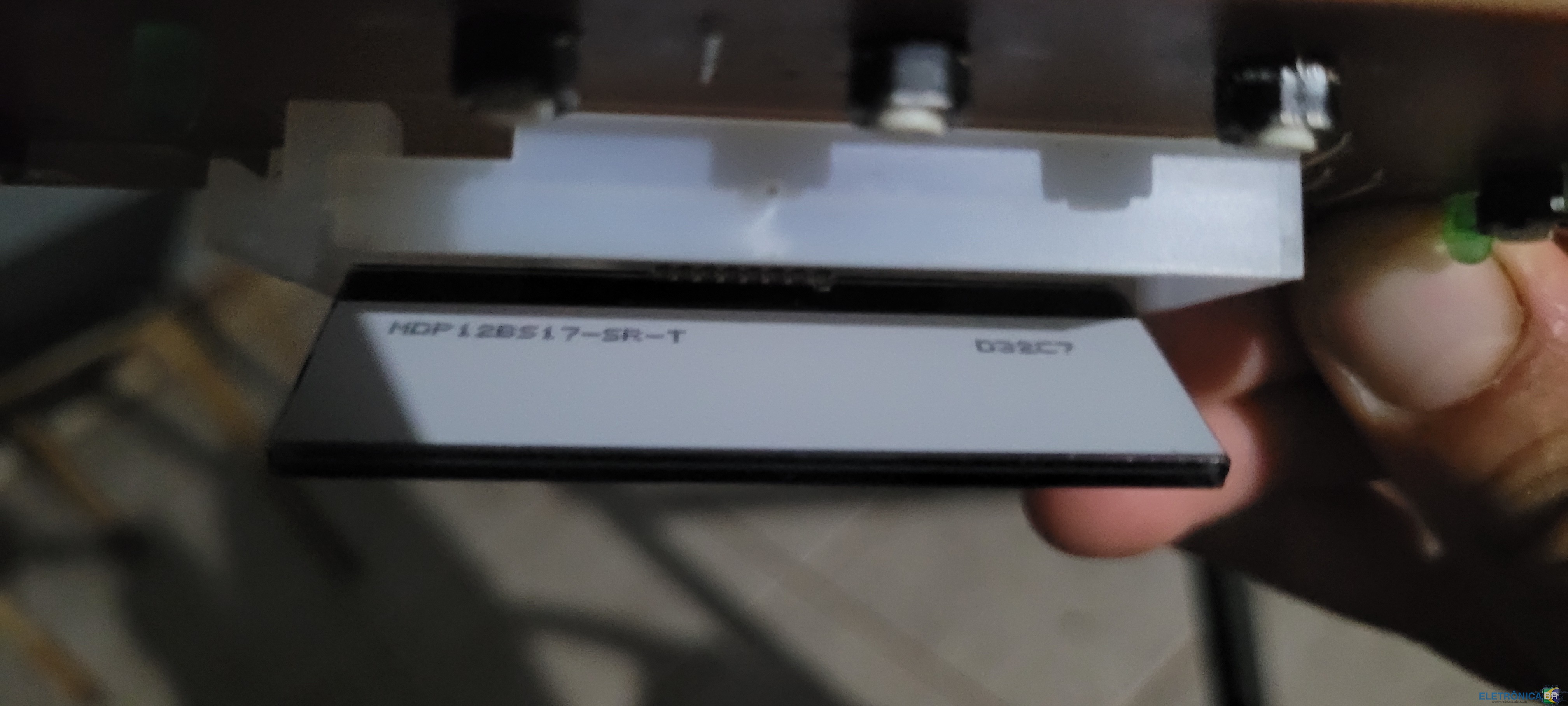
  2. Eu encontrei uma numeração atras mas nao deu em nada, ta escrito: "mdp12bsi7-sr-t" e "d32c7"
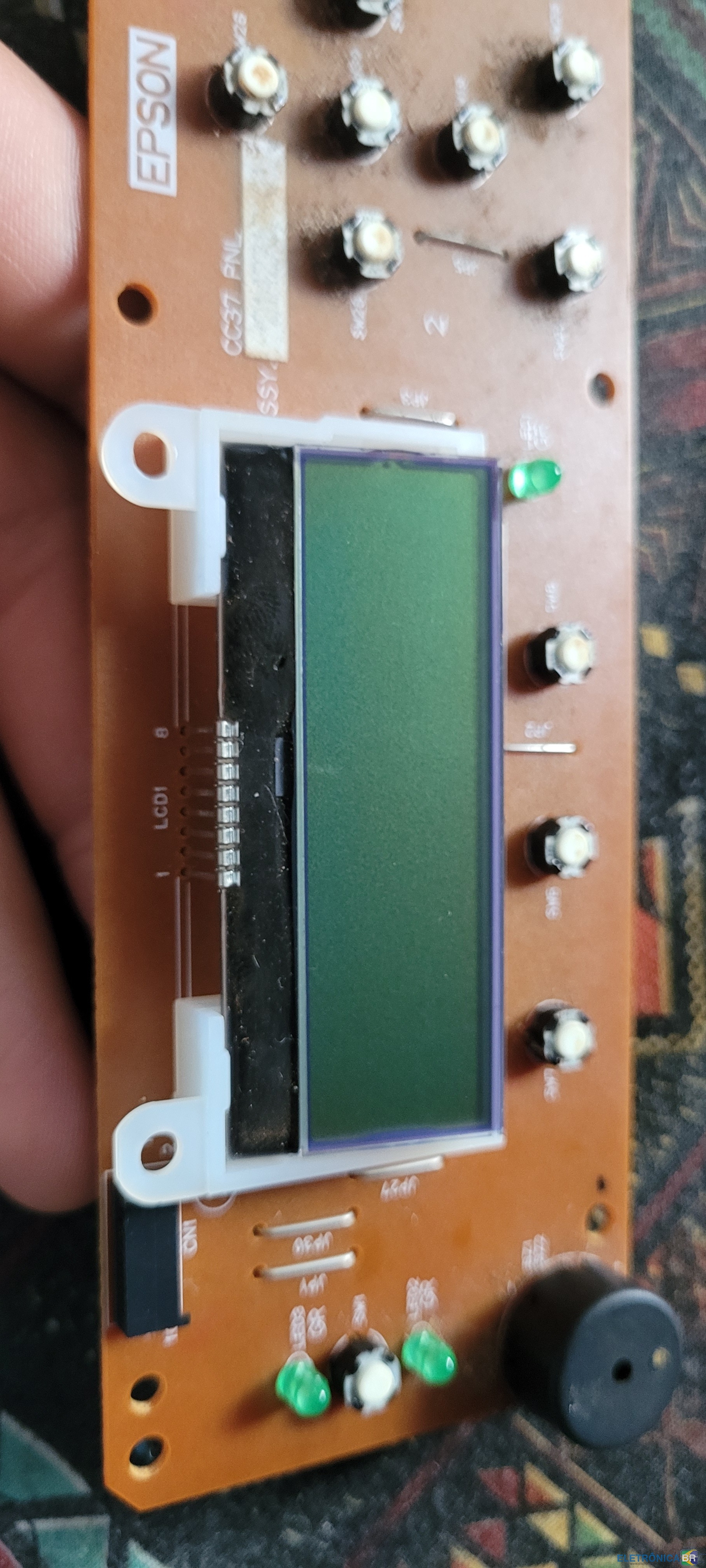
  3. Tenho uma impressora velha epson L555 queria saber se consigo usar o display dela no arduino mas nao consegui informações nem uma até agora alguem pode me ajudar???
  4. Conheci o site no google Sou amador especulador Pretendo me aprofundar mais em eletronica Gosto muito de eletronica por isso quero acesso a baixar arquivos do site

Account

Navigation

Pesquisar

Pesquisar

Configure browser push notifications

Chrome (Android)
  1. Tap the lock icon next to the address bar.
  2. Tap Permissions → Notifications.
  3. Adjust your preference.
Chrome (Desktop)
  1. Click the padlock icon in the address bar.
  2. Select Site settings.
  3. Find Notifications and adjust your preference.